
 macOS
macOS Windows
 Linux
Linux
Balance
View the LSK balance for your selected account alongside its wallet details. Keep the information you need for everyday account activity in one place.
A clean desktop wallet for managing LSK, reviewing transactions, and connecting to the Lisk network.
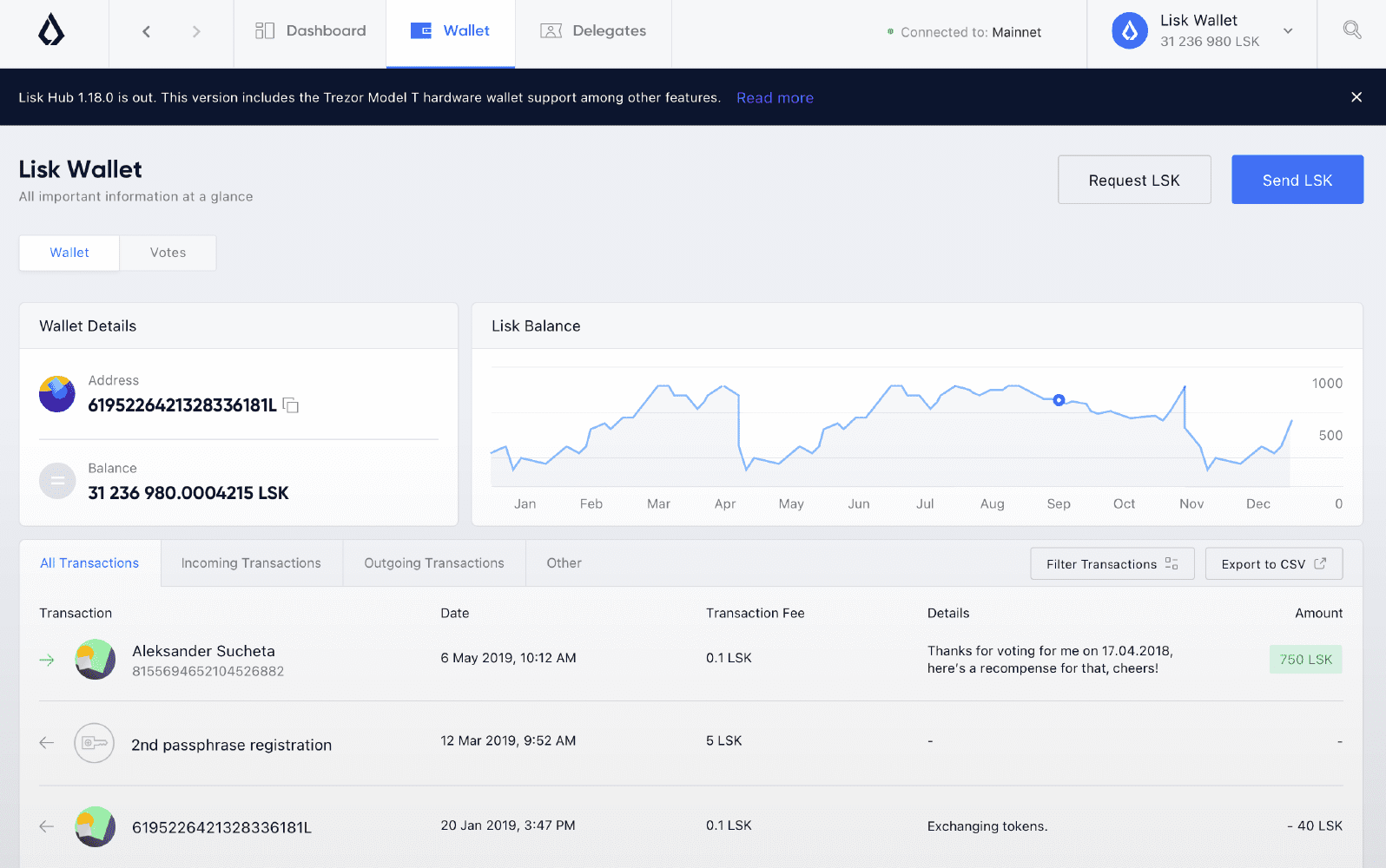
View the LSK balance for your selected account alongside its wallet details. Keep the information you need for everyday account activity in one place.
Browse past account activity in a readable history. Check recipients, amounts, and individual transaction details whenever you need a closer look.
Find connection and network information alongside your wallet activity. Check the status displayed by the desktop client without changing tools.


Keep account access on your desktop and inspect recipient and amount details before approving a transfer. Available device options depend on the release.
Choose your desktop platform.

A focused desktop experience for LSK, built around clarity, control, and everyday wallet use.
Lisk Nano Wallet brings LSK balances, transactions, and network information into a dedicated desktop wallet.
The desktop product line has been available for macOS, Windows, and Linux. Specific installer availability varies by release.
Transaction review is part of the wallet workflow: check the recipient and amount before signing or approving a transfer.
Yes. The wallet experience includes transaction history for reviewing previous account activity.
Hardware-wallet compatibility and migration options depend on the particular Lisk Nano Wallet release and configuration.
Open the receive area for the selected account and verify its address before sharing it. The exact steps depend on the desktop release.
The network area displays connection and status information available in the wallet version you are using.
Select a platform above to view release information, including what to check before installing.
The wallet guide covers balances, transfers, transaction history, and network information in one place.